How to Use Synclet
From idea to implementation in four simple steps
1
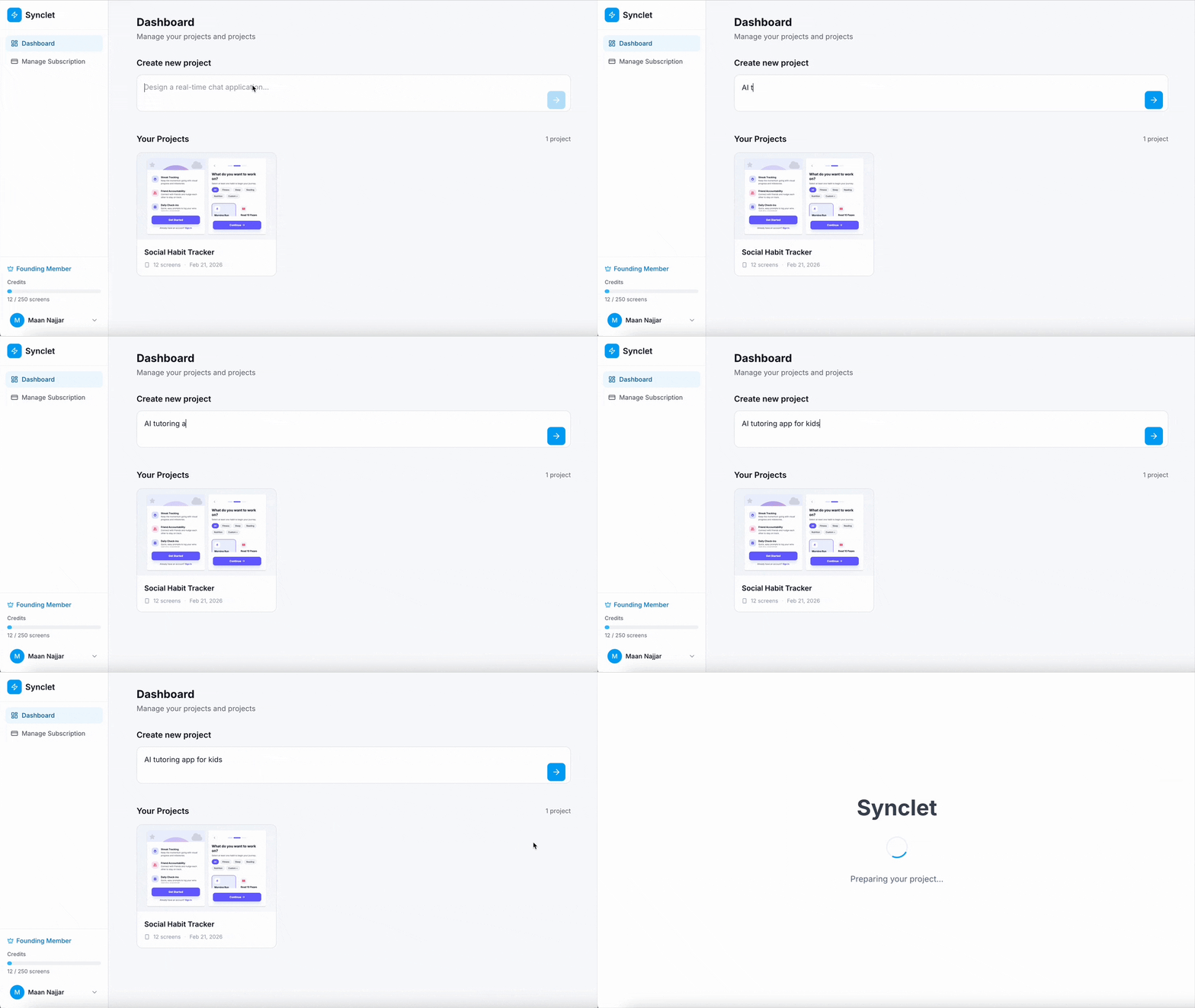
Describe your product idea
Go to your Dashboard and type your product idea in the "Create new project" field. Be as descriptive as you want - the AI understands natural language. Click the arrow button to start.
2
Watch it come to life
Synclet will analyze your idea and automatically generate screens for your product. You'll see a loading animation while the AI works. This typically takes 30-60 seconds depending on the complexity.
3
Iterate with chat
Once your prototype is ready, use the chat panel on the right to refine it. Ask for changes like "Add a settings screen" or "Change the color scheme to blue". The AI will update your prototype in real-time.
